
The owner of a junk removal company in Charlotte pays a web designer every month but has no idea whether people find the website through Google. When he asks, the designer sends a screenshot of traffic. The owner wants to see the information himself.
Google Search Console is a free tool that shows how Google sees your website. Owners do not need to be technical to use the basics, and the data can guide better decisions.
Set Up Access the Right Way
Go to Google Search Console and add your website as a property. Domain verification, done through your domain registrar’s DNS settings, covers every version of your site. Your web developer can help if needed. Make sure the business owns the account and adds others as users, rather than relying on a vendor’s login.
Once verified, data starts appearing within a few days. Search Console does not affect your rankings by itself. It reports what Google sees.
Reports Worth Checking Monthly
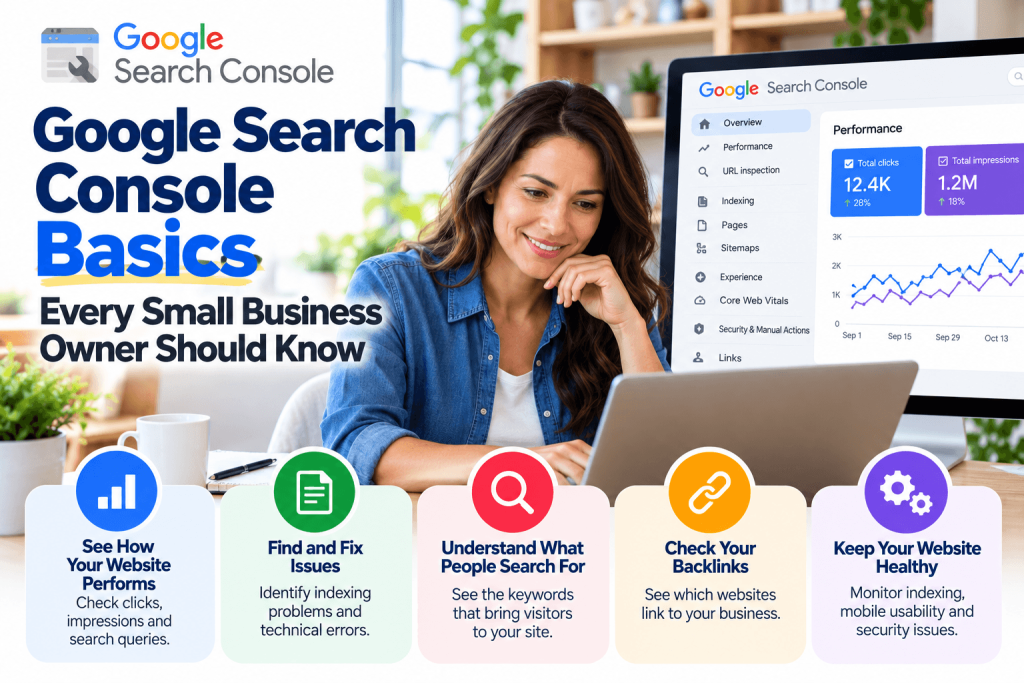
The Performance report shows the search terms that led people to your site, along with clicks, impressions, average position, and click-through rate. A waste hauler might see searches like “dumpster rental near me” or “junk removal Charlotte” and learn which pages attract them.
The Pages report under indexing shows which pages Google has indexed and which it has not, with reasons. The Core Web Vitals report flags slow or unstable pages. Check the Manual Actions section too, which tells you if Google has taken action against the site for spam issues.
Turn Data Into Simple Actions
Look for pages with many impressions but few clicks, which may need clearer titles or descriptions. Spot important service pages that are not indexed and ask your developer why. Watch for sudden drops in clicks, which can signal a technical problem or a site change.
Search Console only covers your website. Track your profiles and listings separately. Waste management companies listed in the Waste Management category on Ace of the Web can add a tagged link to that listing and watch referral visits in GA4, alongside Search Console data. Together, those reports show how customers reach you, including through Ace of the Web.
Look at Your Own Search Data
Google Search Console gives owners a free, direct view of how their website performs in search. Verify your site under a business-owned account, check performance, indexing, and Core Web Vitals monthly, and turn the findings into simple fixes. Pair it with tracking for listings like Ace of the Web to see the full picture.
Frequently Asked Questions
Is Google Search Console free?
Yes. Search Console is free for any website owner. You verify ownership through your domain or website, then access reports on search performance, indexing, and page experience. It does not require paid Google services or advertising. Verification takes only a few minutes.
What is the difference between Search Console and Google Analytics?
Search Console shows how your site appears in Google search, including search terms, impressions, and indexing issues. Google Analytics shows what visitors do on your site after they arrive from any source. Using both gives a fuller view of performance.
What does average position mean in Search Console?
Average position is the average ranking of your site in Google search results for the queries shown, across all impressions in the selected period. It changes with location, device, and query, so treat it as a trend indicator rather than an exact ranking.
What should I do if Search Console shows a manual action?
Read the explanation Google provides, fix the issues it describes, such as unnatural links or spammy content, and submit a reconsideration request through Search Console. Consider getting help from an experienced SEO professional if the issue is complex. Document every step you take.